iSyncr Errors
Oh no! You got an error while syncing, huh? Well, that’s alright. Let’s see what we can figure out here. Was it an error with:
Copy Protection or DRM
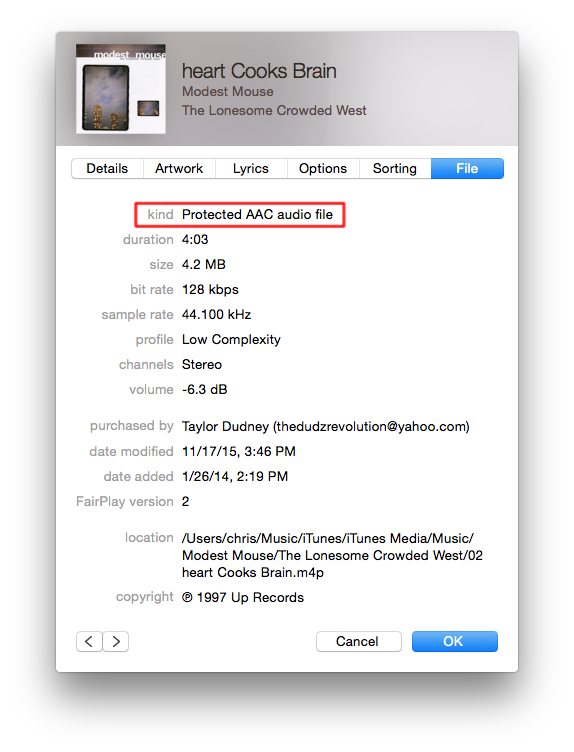
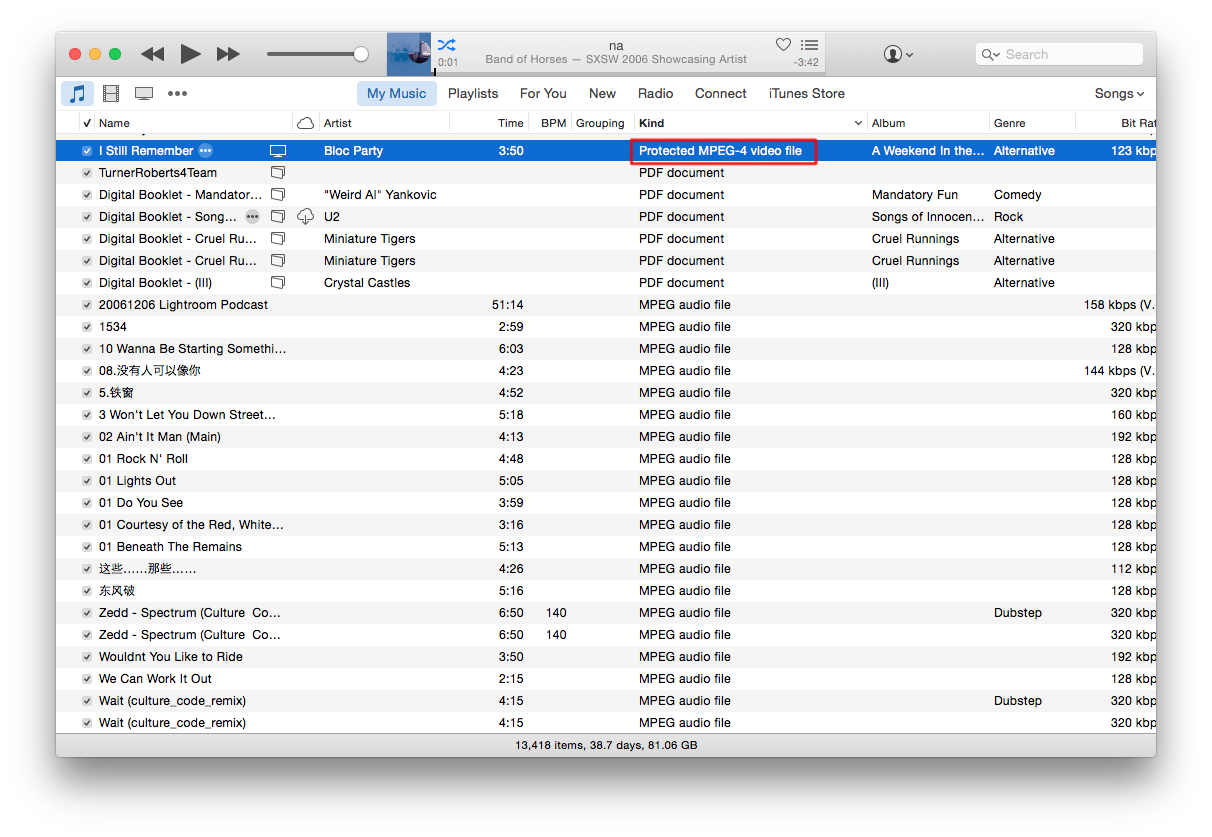
Unfortunately, Android phones can't play songs with Digital Rights Management (DRM). However, all iTunes music (at least in the US) since April 7, 2009 will not have DRM, before that date only iTunes plus music will not have DRM.Songs that have DRM will display the information "Protected AAC audio file" or a similar "protected" file format for it's "Kind". You can view all songs that are "protected" in your library by sorting by "Kind" in iTunes.
 </br>
</br>
Also, you can use iTunes Match to legally remove all Apple DRM from music in my library. Here is a video on that.
Audible
Audible music also has DRM protection (see DRM) iSyncr for iTunes to Android is unable to sync these to your device storage. However, they also have the Audible application available on the Google Play store that should allow you to download and play your files.i-Cloud
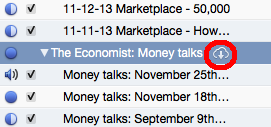
If your files are in i-Cloud, or iTunes Cloud, you'll be able to play them just fine in iTunes, but the files aren't accessible to third party applications, like iSyncr. Unless your files are on your computer's storage iSyncr isn't able to sync them. To determine if your files are in i-Cloud or not, view the files in iTunes for a cloud icon (seen below).